 The Good Sign Company
Indoor lobby display comparison
Floor poster stand vs retractable banner: choose by message life
Choose a floor poster stand when staff need to replace a standard-size printed message without replacing the display. Choose a retractable banner when one taller graphic needs more vertical presence and the team values a self-contained transport format. Measure the complete base and map the approach before buying either.
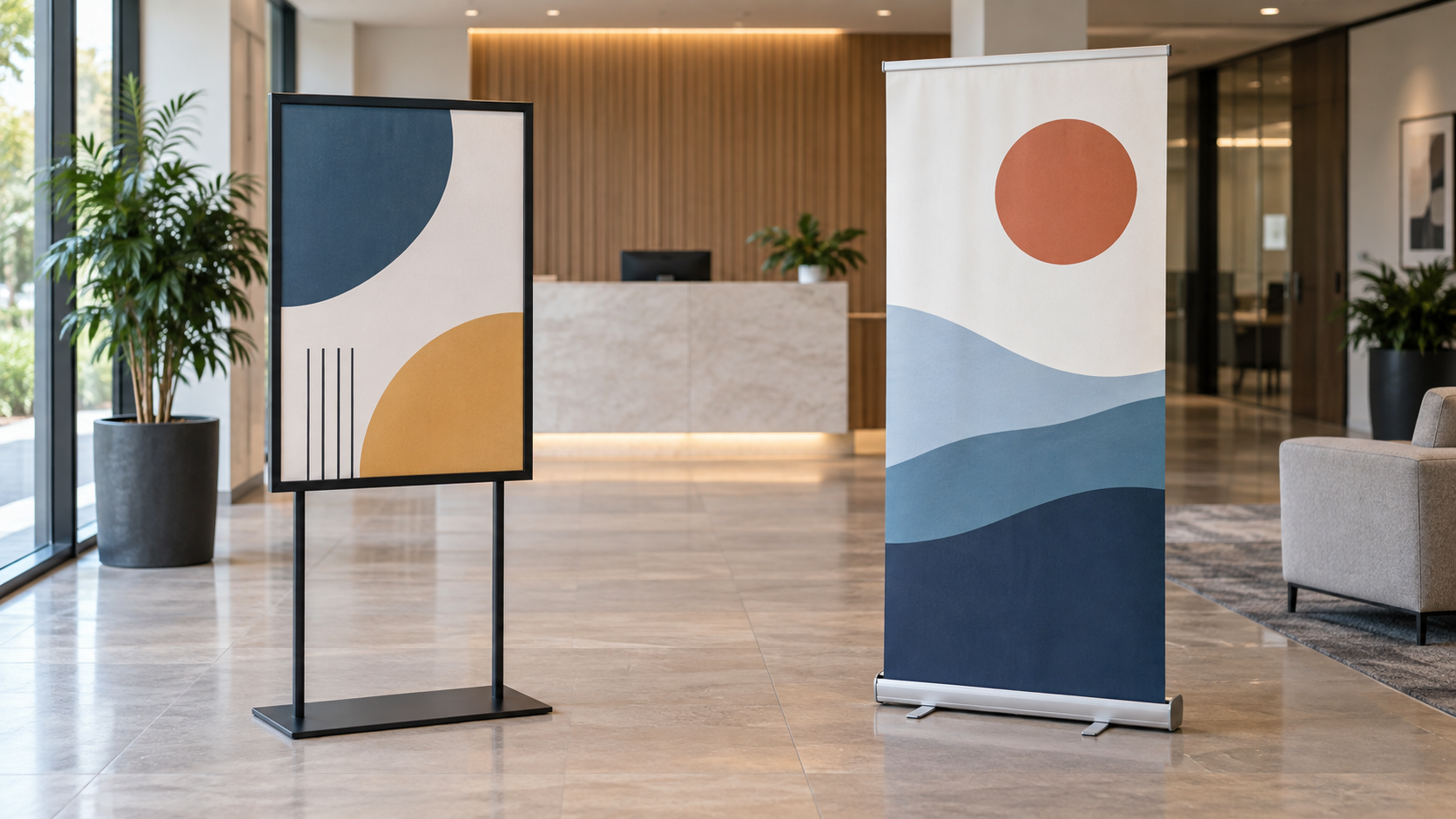
Compare both indoor display formats
Floor poster stands
Check the accepted print size, visible area, loading method, frame orientation, overall height, complete base footprint, and indoor-use instructions.
Retractable banner stands
Check the finished graphic size, cassette and foot dimensions, support hardware, packed size, included case, and replacement-graphic process.
Quick decision
- Choose a floor poster stand for directions, schedules, promotions, or notices that staff will replace with locally printed inserts.
- Choose a retractable banner for a taller identity or campaign graphic that stays intact through a planned period and may travel between indoor locations.
- Choose neither yet if the message, viewing direction, usable floor rectangle, update owner, or storage location is unknown.
Side-by-side tradeoffs
| Decision | Floor poster stand | Retractable banner |
|---|---|---|
| Best message rhythm | Recurring print changes using the exact size and thickness the frame accepts. | One longer-lived full graphic produced for the specific cassette. |
| Visual field | A framed message at a defined height; available portrait or landscape formats vary. | A tall, narrow graphic that can carry a larger hierarchy. |
| Update workflow | Open or load the frame as directed, replace the insert, and check alignment. | Graphic replacement depends on the exact unit and supplier process. |
| Floor use | Requires the full base or feet rectangle plus frame depth. | Requires the cassette, any stabilizing foot, and the deployed support. |
| Transport | May remain assembled or separate into frame, pole, and base; verify the product. | Usually retracts into a long cassette and case, with support parts as documented. |
| Storage | Needs protection for the frame face, corners, pole, and base. | Needs a long storage position that protects the cassette, graphic, and support. |
Start with the lobby message
Write the job in one sentence: “A person arriving from this direction must understand this message before reaching this point.” A temporary room change, check-in instruction, or current promotion often favors the replaceable poster workflow. A brand introduction or longer campaign may justify the larger graphic area of a retractable banner.
Do not use either format to rescue an overfilled layout. Put the main message high enough to remain visible around furniture and waiting visitors, then reduce the wording until it can be understood at the measured decision point. Keep detailed policies, schedules, or supporting copy where a person can stop and read without blocking the approach.
Measure the complete footprint, not the print
Record the widest and deepest points of the assembled base, feet, cassette, and supports from current product information. Mark that rectangle in the proposed position with removable tape, then view it from every normal approach. Include nearby doors, seating, queue fixtures, cleaning routes, and reception sightlines in the plan.
This comparison does not establish whether a location is acceptable for circulation, accessibility, emergency, property, or venue requirements. Ask the responsible property or facilities contact to review placement when those constraints apply.
Compare the real update workflow
A poster stand earns its place when the organization can reliably produce the right insert. Confirm the visible opening rather than assuming it matches the nominal paper size, and check how much border or frame covers the print. Name the person who updates the file, prints it, loads it, and removes outdated copies.
A retractable banner shifts more of that work into one full graphic. Before ordering, confirm the artwork specifications and whether the chosen unit supports a replacement graphic. Do not assume every cassette is designed for staff-swapped graphics. Review the current maker's instructions before extending, attaching, retracting, cleaning, or packing the display.
Test the sightline with a paper prototype
- Measure the eye-level range and first useful viewing point on each lobby approach.
- Mock up the message at final size with plain paper or a full-size tiled print.
- Place the mockup at the proposed height and photograph it from each approach.
- Check whether furniture, people, glare, or the reception desk hides the headline or next step.
- Reduce copy or reposition the display before choosing hardware.
The taller banner is not automatically more readable, and the framed poster is not automatically easier to update. Readability depends on the actual type size, contrast, reflections, placement, and viewing distance; update ease depends on the chosen product and the team's process.
Skip criteria and alternatives
- Skip a floor poster stand when frequent changes are not needed, the accepted insert format does not match the print workflow, or the frame sits below the useful sightline.
- Skip a retractable banner when the message changes too often for its graphic workflow, the long packed unit has no protected storage, or the tall format adds more copy instead of clarity.
- Use a wall or interior-glass notice when floor space should remain open and the property approves the attachment plan.
- Use a tabletop holder when the message matters only at reception and can be read after a visitor reaches the desk.
- Use a digital display only when content ownership, power, mounting, maintenance, and a failure fallback are already planned.
Plan the next step
For a replaceable print used mainly as a welcome message, compare a floor easel with a poster stand. If the banner may serve several events or locations, use the retractable-banner worth-it test before choosing a unit. The small-business sign planning guide connects either display to message priority, viewing distance, placement, updates, and ownership.