 The Good Sign Company
Changeable notice holder buying guide
Best clipboard sign holders for frequently changed notices
The best clipboard sign holder matches the finished paper size, keeps the clip easy to reach, and supports the way people actually view or write on the notice. An upright tabletop holder favors visibility, an angled stand favors close reading and writing, and a wall-mounted clipboard preserves counter space. Choose the format before comparing finishes.
This guide compares exposed-paper clipboard displays for indoor studios, counters, market tables, and small offices. If you are deciding whether the format deserves space at all, first use the clipboard holder worth-it test.
Disclosure: As an Amazon Associate, we may earn from qualifying purchases and approved partner referrals.
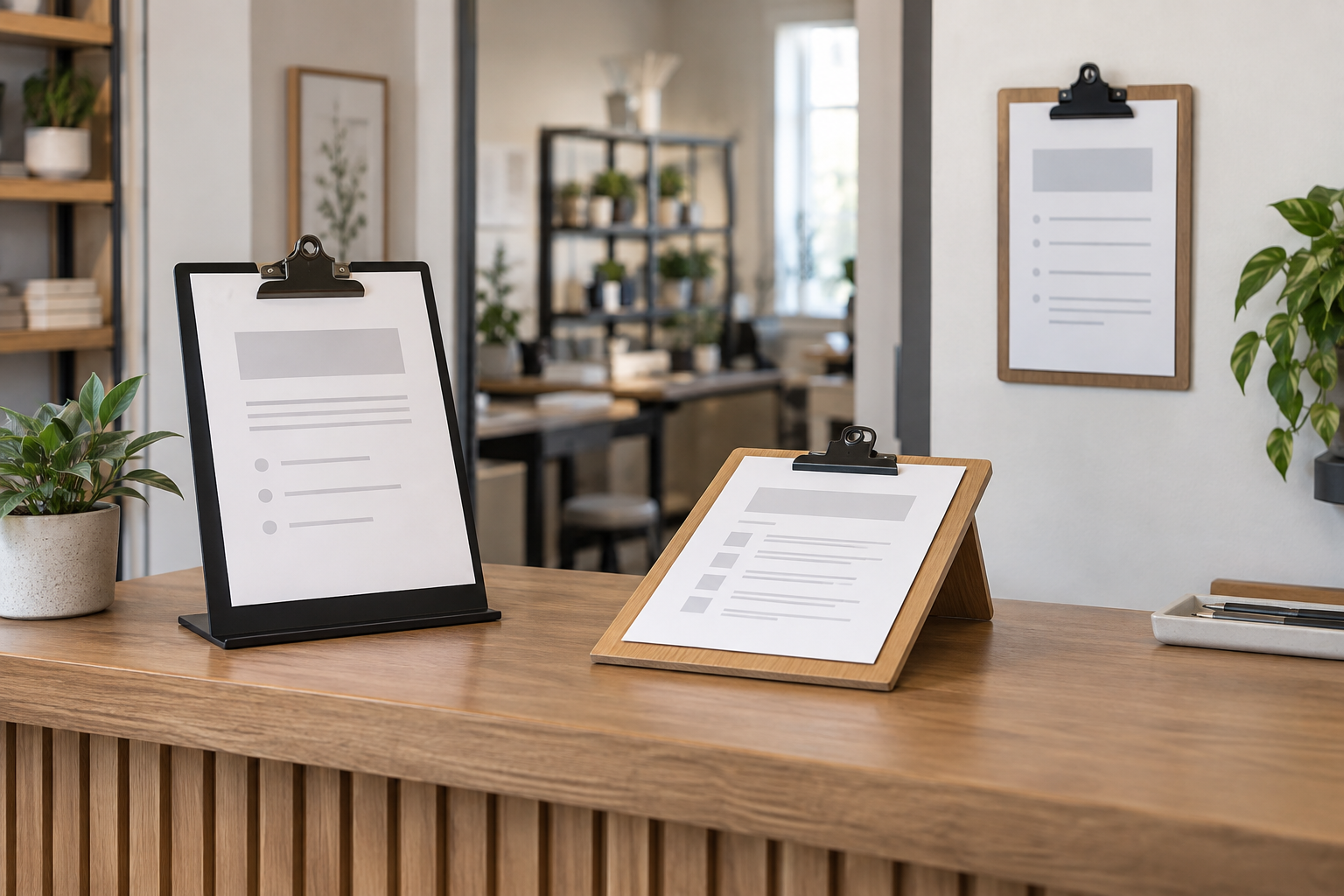
Compare formats after testing a full-size sheet
Confirm accepted paper orientation and size, usable clip opening, outside dimensions, base footprint or mounting method, face angle, product weight, included parts, and maker instructions. A category photo cannot establish writing support or fit for your paper stack.
Best clipboard format by notice workflow
These are use-case categories, not named-product winners or hands-on rankings.
- Upright tabletop stand: best for a view-only notice across a counter. The raised face gives the sheet presence, but the base consumes working depth and the near-vertical angle may be awkward for writing.
- Low angled stand: best for close reading or occasional writing. The sloped face can make a form or signup sheet easier to reach. Check whether the stand supports normal pen pressure in your exact setup.
- Wall-mounted clipboard: best when counter space is scarce. It can keep a recurring notice in one location, but mounting commitment, wall suitability, loading clearance, and writing height need to be settled first.
- Flat clipboard with a separate stand: best when the sheet must move. This is a useful alternative when staff need to pass the page to someone or write on it away from the display position.
Start with the paper, clip, and exposed edge
Print the real notice and measure its finished width and height. Check the product's stated paper orientation and usable clip opening rather than relying on labels such as letter-size or menu-size. A clip can overlap a heading, and a sheet that extends beyond the backing board can look untidy or bend during handling.
Decide whether the holder must secure one sheet, a small working stack, or a thin pad. Use only the maker's documented capacity. If the notice needs protection from handling or routine splashes, an exposed clipboard is the wrong format; compare an acrylic insert holder or another enclosed display instead.
Test clip access and replacement clearance
Rehearse a complete paper change where the holder will live. Leave room for fingers to open the clip, lift the old sheet, align the replacement, and smooth it without moving other counter items. On a wall, check clearance above the clip and confirm that doors, shelves, and nearby objects do not block the motion.
If several staff members update the notice, store the approved file and spare prints nearby. A holder that accepts quick changes still fails as a system when the replacement sheet is hard to find or the owner of the update is unclear.
Match viewing angle to the reader's position
Place the full-size sheet at the proposed height and angle, then view it from the point where someone must notice or use it. Upright stands suit a message read from farther away. Lower angled holders suit a person already at the desk or table. Wall-mounted clipboards need a height that works for the intended task without being hidden by furniture or merchandise.
Choose portrait or landscape only after the message is laid out. Landscape can suit a short schedule or directional line but consumes more width. Portrait can suit a form or list but may require more height and create a taller tabletop profile.
Writing support is a separate requirement
A visible clipboard is not automatically a comfortable writing surface. If people will sign, tally, or annotate the page, test the exact stand with the normal pen and writing pressure. Check whether the face flexes, the base shifts, the angle strains the wrist, or the clip interferes with the writing area. Product photography does not answer those questions.
When reliable writing matters more than display height, keep the working clipboard flat and use a separate view-only sign for instructions. That split often makes both tasks clearer.
Base, wall, and placement checks
- For a tabletop model, measure the complete base width and depth around card readers, paperwork, merchandise, and handoff space.
- For a wall model, verify the stated mounting method, compatible surface guidance, included hardware, holder weight, and installation instructions.
- Do not assume adhesive mounting is damage-free or that supplied fasteners suit every wall.
- Keep the holder away from paths where sleeves, bags, doors, carts, or routine work will strike it.
- Use the small-business sign planning guide to check message hierarchy and sightline before adding another notice.
When to skip a clipboard sign holder
- Skip it when the message rarely changes and exposed hardware does not fit the setting.
- Skip it when the paper needs an enclosed face or a second readable side.
- Skip a tabletop stand when its base crowds payment, writing, service, or product space.
- Skip a wall-mounted version when the mounting surface, approval, hardware, or update clearance is unresolved.
- Skip a writing-oriented setup when the exact stand has not been tested under normal pen pressure.
Bottom line
Choose a clipboard sign holder by workflow: upright for a notice read across a counter, angled for close reading or tested writing, wall-mounted for a stable location without counter use, or flat and movable when the page must travel. Verify paper fit, clip access, complete dimensions, placement, and maker instructions before buying.
Next, compare a clipboard with an acrylic holder, choose among reception desk sign holders, or plan dry-erase signs for rewritten schedules.